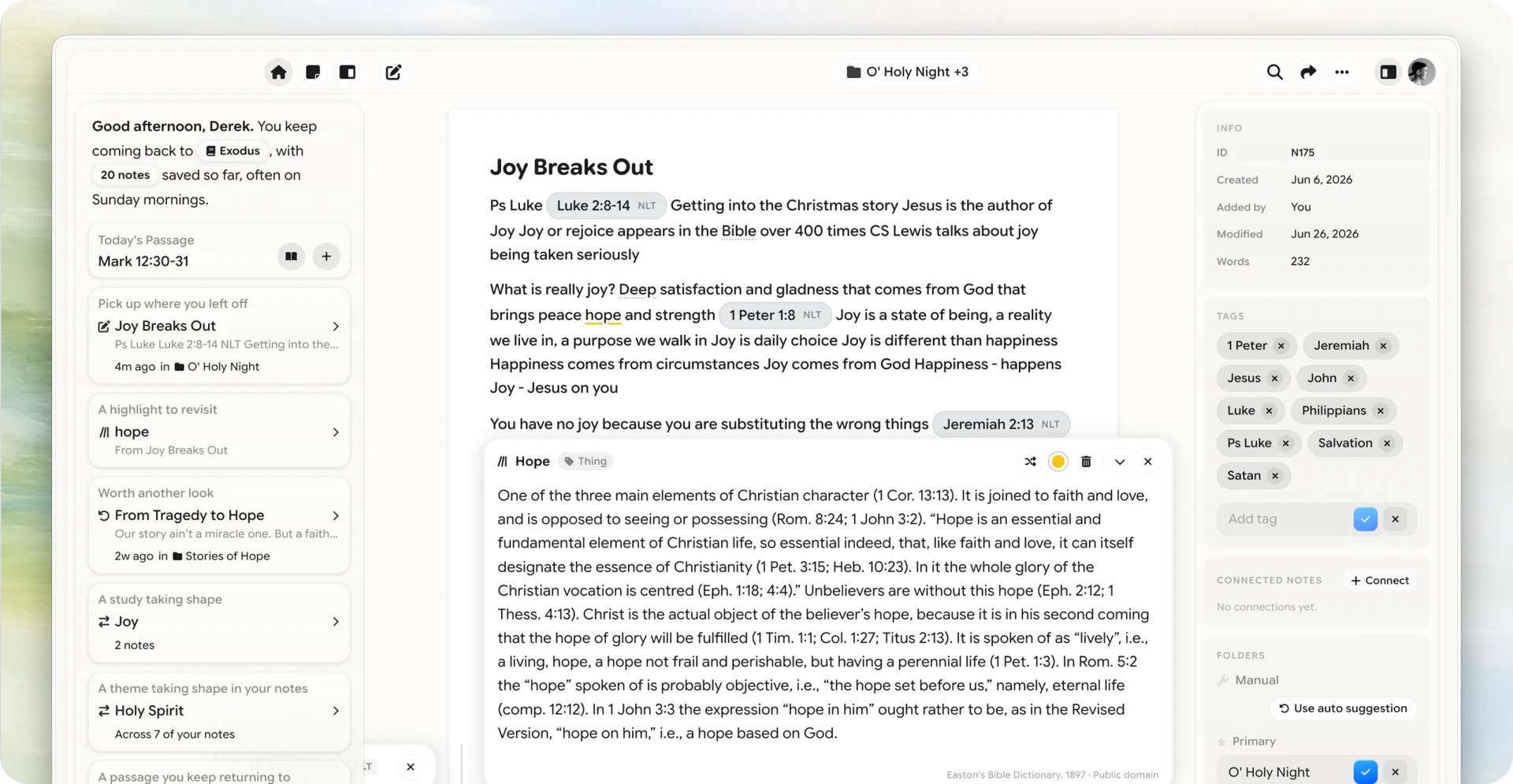
Highlights you can find again
A highlight that disappears into a Bible app isn’t a highlight—it’s a mood. Here’s how to make marks you can reopen.
Most people highlight like they’re decorating.
Yellow on a verse. Maybe a second color for “really important.” Three months later they can’t name a single line they marked—and the app’s highlight list is a graveyard of good intentions.
A highlight only counts if you can find it again on purpose.
What goes wrong
Bible-app highlights are easy to make and hard to reuse. They’re stuck inside a reader that isn’t where you prep, teach, or journal.
Phone screenshots of verses are worse: unsearchable, unlinked, and somehow still all over your camera roll.
A better highlight habit
In Harvous, treat a highlight as a seed for a note—not a substitute for one.
- Mark the line that actually stopped you
- Add one sentence: why it stopped you
- Keep the scripture pill on it so the mark has an address
If you only have ten seconds, the mark + pill is enough. The sentence can come later the same day.
Highlights and recall
Marks you never reopen are museum pieces.
Once a week, skim three old highlights and try to say the sentence without looking. That’s personal retrieval—the same idea behind the Monday retention loop, shrunk to a coffee line.
Keep your reader
You don’t have to abandon the Bible app you like.
Keep reading there. When a line matters, give it a home in your notes hub—with the reference attached—so the highlight isn’t trapped in a reader you’ll swipe past tomorrow.
That’s the job: marks that stay useful, not marks that look devout.